Browser Automation
Browser Search Automation from a Spreadsheet
A spreadsheet-driven browser workflow returns search result URLs, timestamps and row status so operators can review each search run.
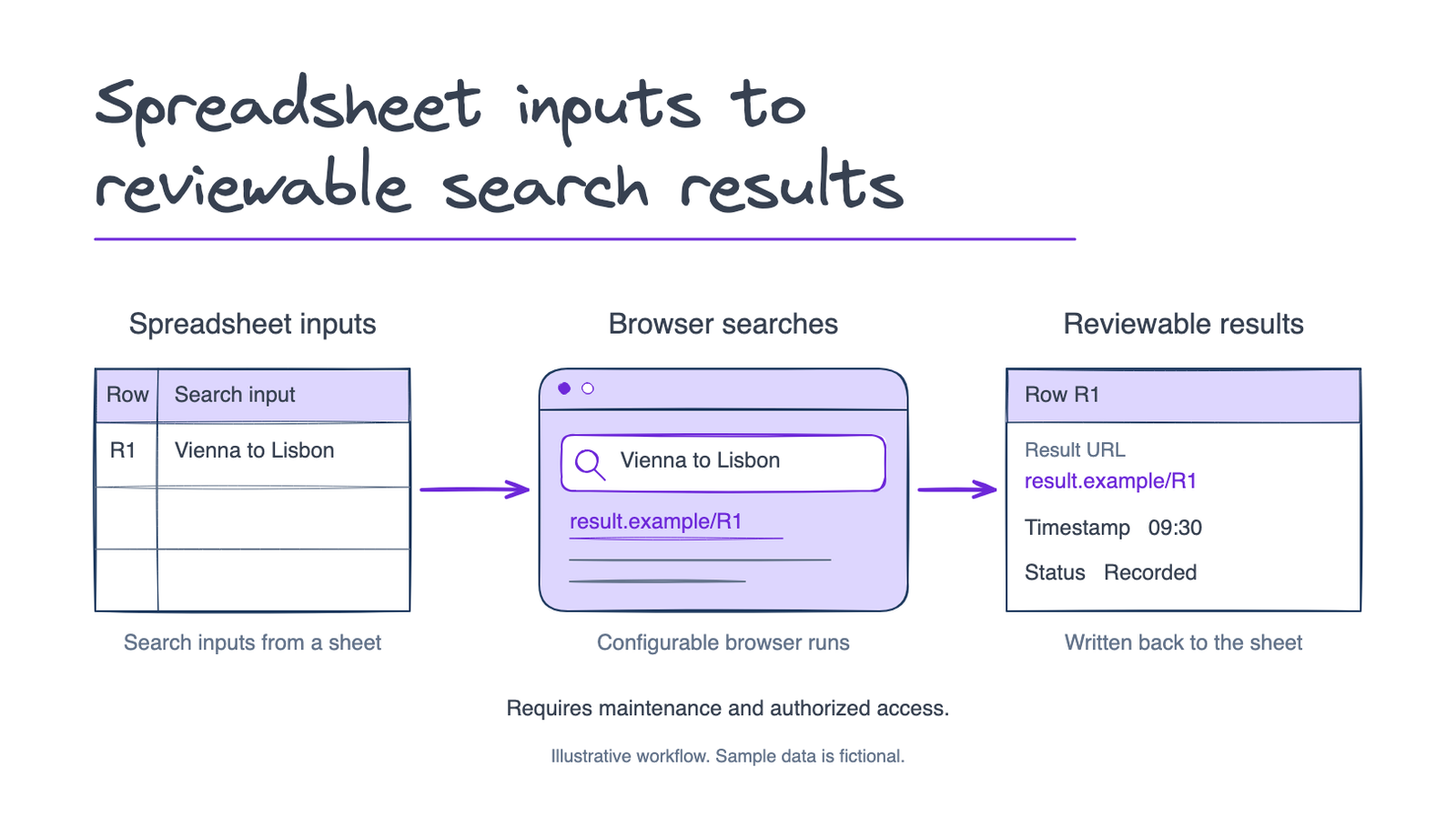
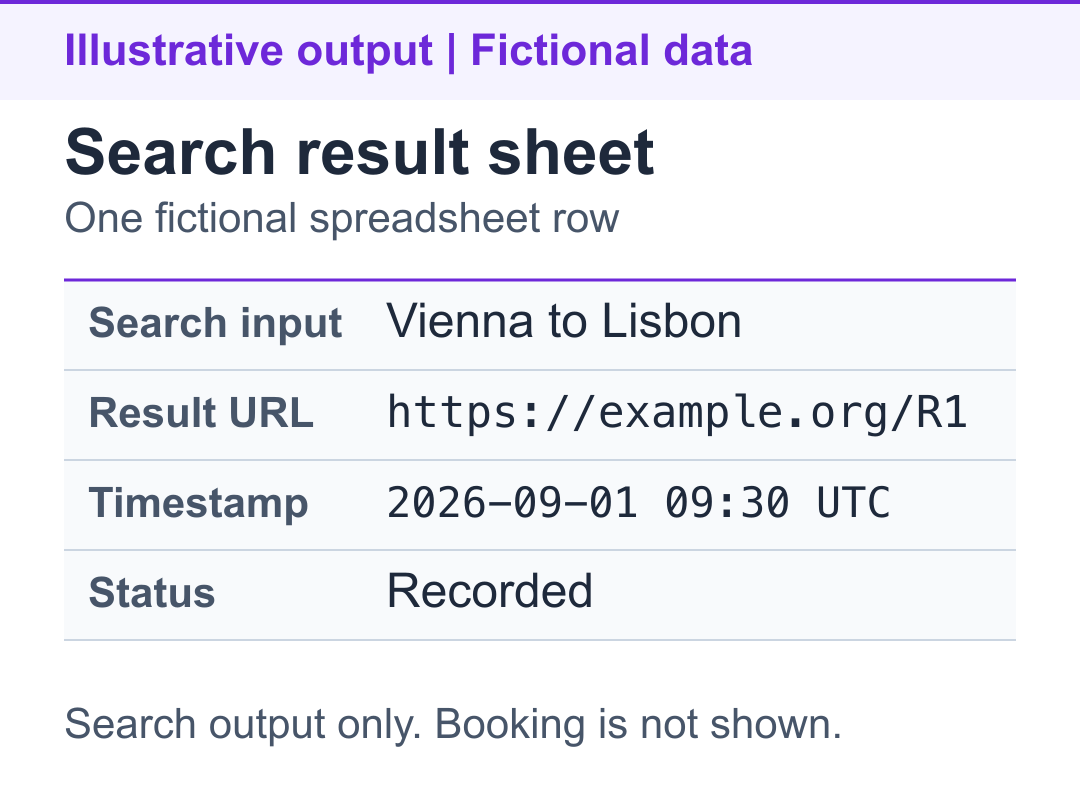
Illustrative workflow with fictional search data. Spreadsheet rows drive browser searches; result URLs, timestamps and row status return to the sheet for review.
The problem
Repeated travel-search inputs had to move from a spreadsheet through a browser and back into a usable result sheet. Operators needed a result link and status for each row, rather than a collection of manually opened tabs.
What I built
A spreadsheet queue for search inputs.
A browser workflow that searches using those inputs and returns result links.
Write-back fields for result URL, timestamp and row status.
Configurable concurrency for parallel search tasks.
Setup, run and troubleshooting instructions for the delivered environment.
Inputs and handoff
The worksheet holds the search inputs and receives result links and execution status. Operators can inspect individual rows and open the returned links. The handoff includes a parallel-run entry point and environment instructions; a returned URL is not evidence that a booking was completed.
The outcome
The handoff connects a repeatable search queue to results that an operator can review in the same spreadsheet. Browser interfaces and access conditions can change, so the workflow needs maintenance and authorized access to its sources.
Who this helps
Operations teams handling repeated browser searches from spreadsheet inputs. An AI Workflow Buildout can connect a defined browser task with the team's existing handoff.
For a similar project, share the search-input columns, the result you need and the browser environment your team can use.
Related work
- Resumable Python Listing Extraction to CSV
A Python listing extractor saves results incrementally to CSV and JSON Lines, then uses completed listing IDs to resume interrupted batches.
Working on something similar?
Discuss a similar project